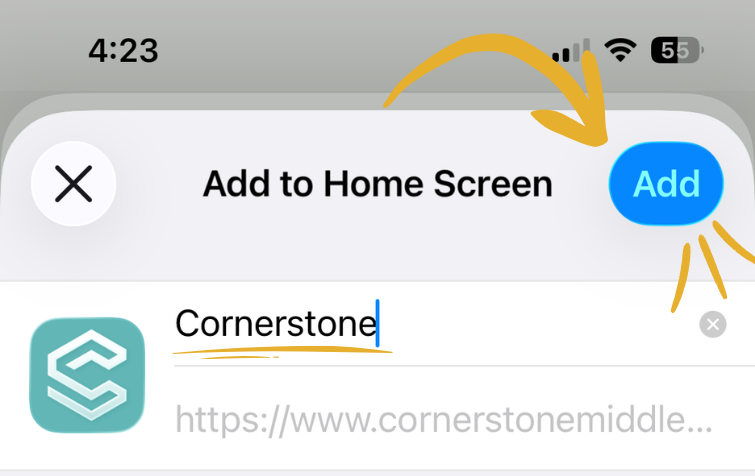
Add to Home Screen
Once you’ve read these instructions press back to ensure you’re saving the correct page! These instructions are for iOS (iPhone), steps on other phones may differ slightly but should follow the same general instructions.
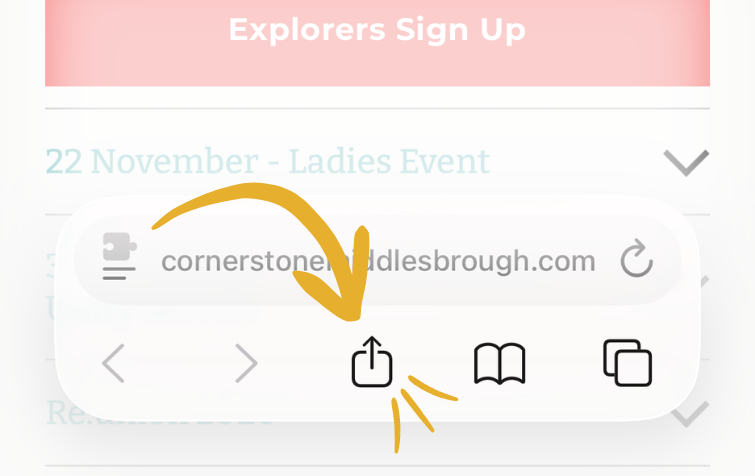
Press on ‘share’ icon:
(you might need to select three dots at the top of your screen first)
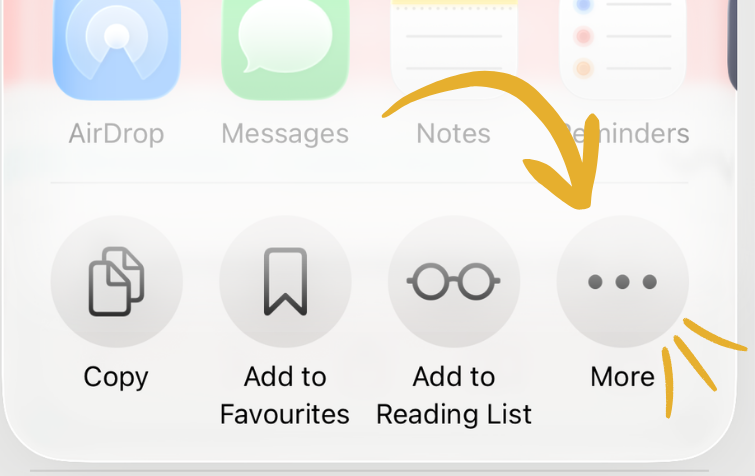
Select ‘More’:
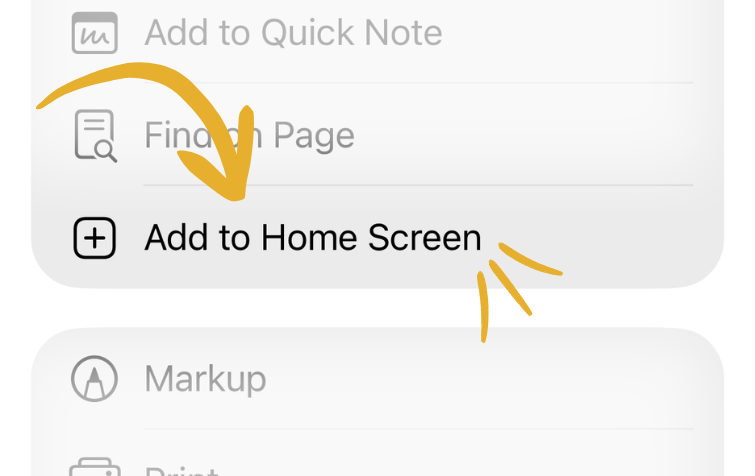
Select ‘Add to Home Screen’:
Change the name to ‘Cornerstone’ (optional) then press Add: